There are many ways to store, or persist, data within an app.
One way to do this is to use a database.
A database is composed of one or more tables that store data.
You can think of a single database table as if it were a spreadsheet.
For example, here is a spreadsheet that lists the departments that exist within a large company:
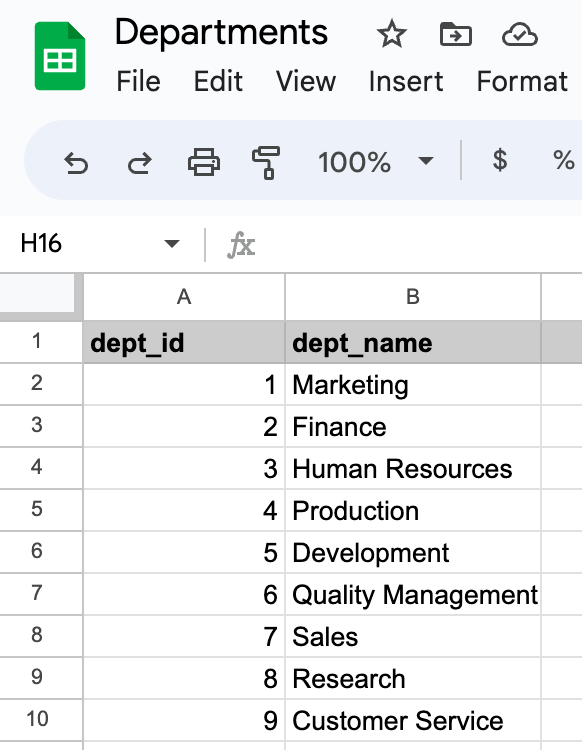
And here is how that same information is presented in a database table:
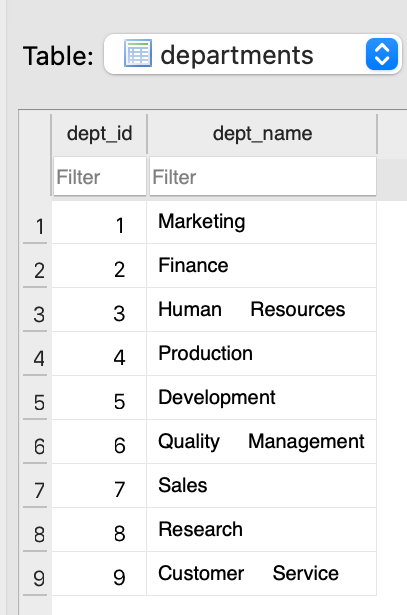
In both cases, information is organized into columns:
dept_iddept_name
Individual instances of data exist on a row.
For example, the Sales department has a department ID of 7 and exists on row 7 in the database. The Customer Service department has an ID of 9 and exists on row 9, and so on.
NOTE
It is coincidental that each department ID is the same as the row number of the table it exists on.
A department with an ID of
7does not have to be the seventh row in the table.
Relationships
What separates a database from a simple spreadsheet is that tables are connected by relationships.
For example, here is the overall structure of an example database that describes the employees who work for a large company, along with information about their salaries, job titles, what department they work in, and who manages each department:
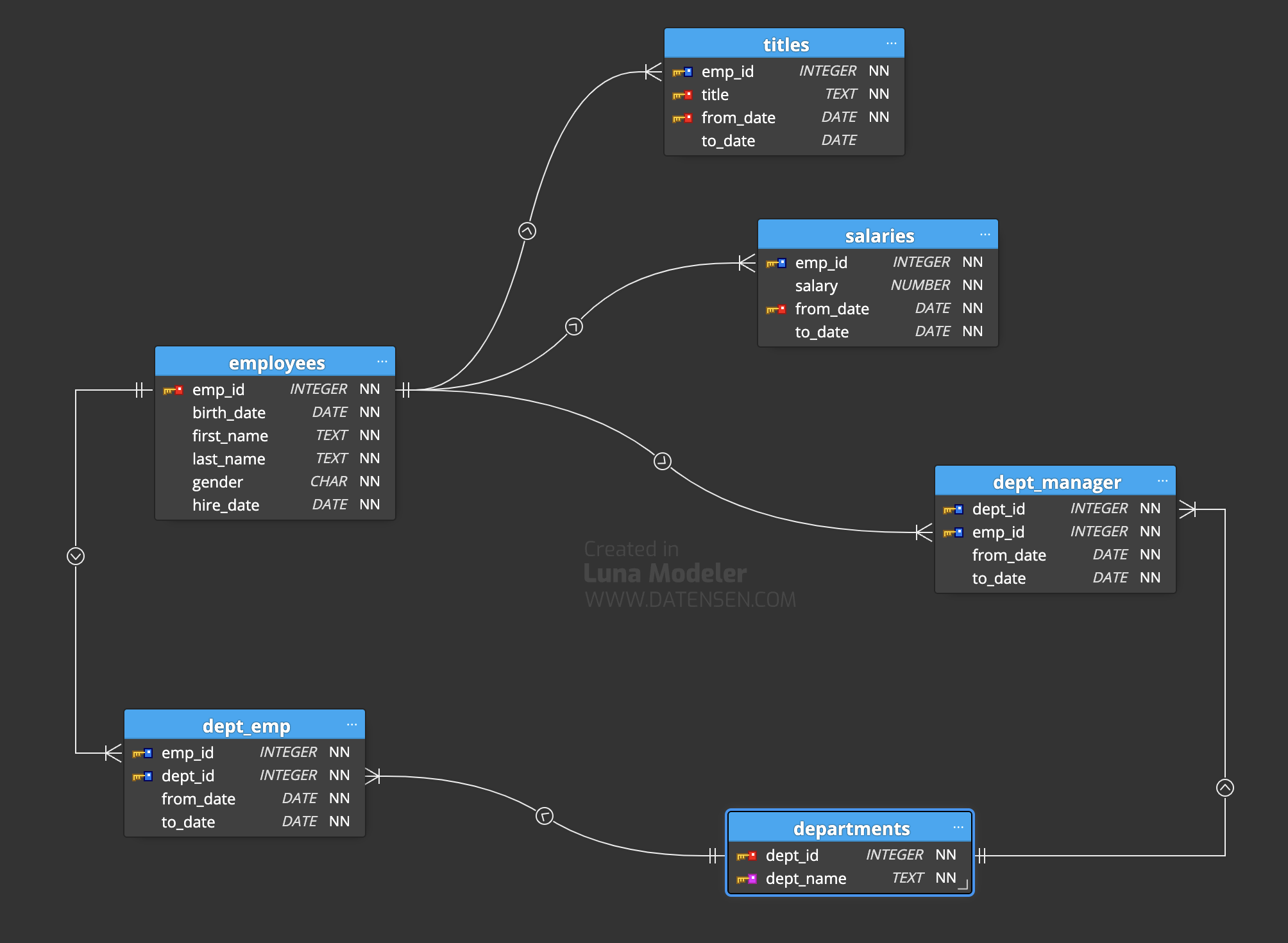
We will explore the concept of relationships between tables in a future class.
For now, the structure of this example database is provided for background.
Database Management Systems
Just as there are multiple spreadsheet applications:
- Google Sheets
- Microsoft Excel
- Apple Numbers
…there are also multiple database applications, or database management systems.
The term database management system is sometimes shortened to the acronym DBMS.
Some common database applications are:
- MySQL
- PostgreSQL
- Oracle
- Microsoft SQL Server
- SQLite
Each DBMS has a slightly different feature set, much like different spreadsheet applications.
However, all DBMS software provides the same general functionality: we can organize information into tables that are connected by relationships.
Importantly, all DBMS applications allow a database to be queried using a standard language, or syntax.
This means that if you learn how to query a database created in one DBMS, for the most part, you will know how to query a database that was created in any other DBMS. Your knowledge is transferable.
To query a database means to obtain information from it.
Structured Query Language
DBMS software uses structured query language or SQL to permit data to be obtained from a database.
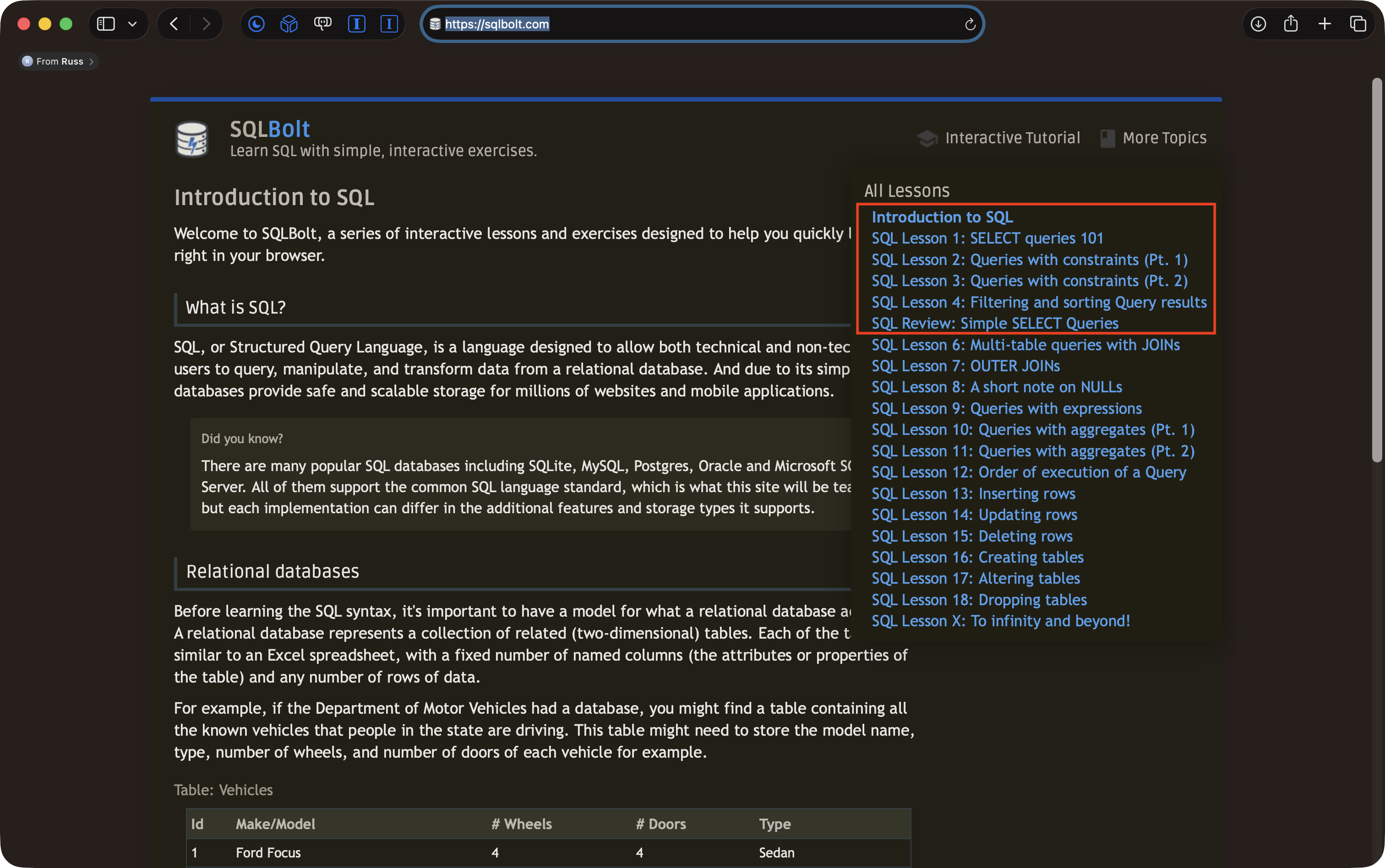
The SQLBolt website has a good introduction to writing SQL to query a database.
Lessons 1 through 4 and the related review lesson are a good choice, if you want to develop your skills further: