Introduction
You already understand how to use typical data types such as Int, Double, String, and Bool.
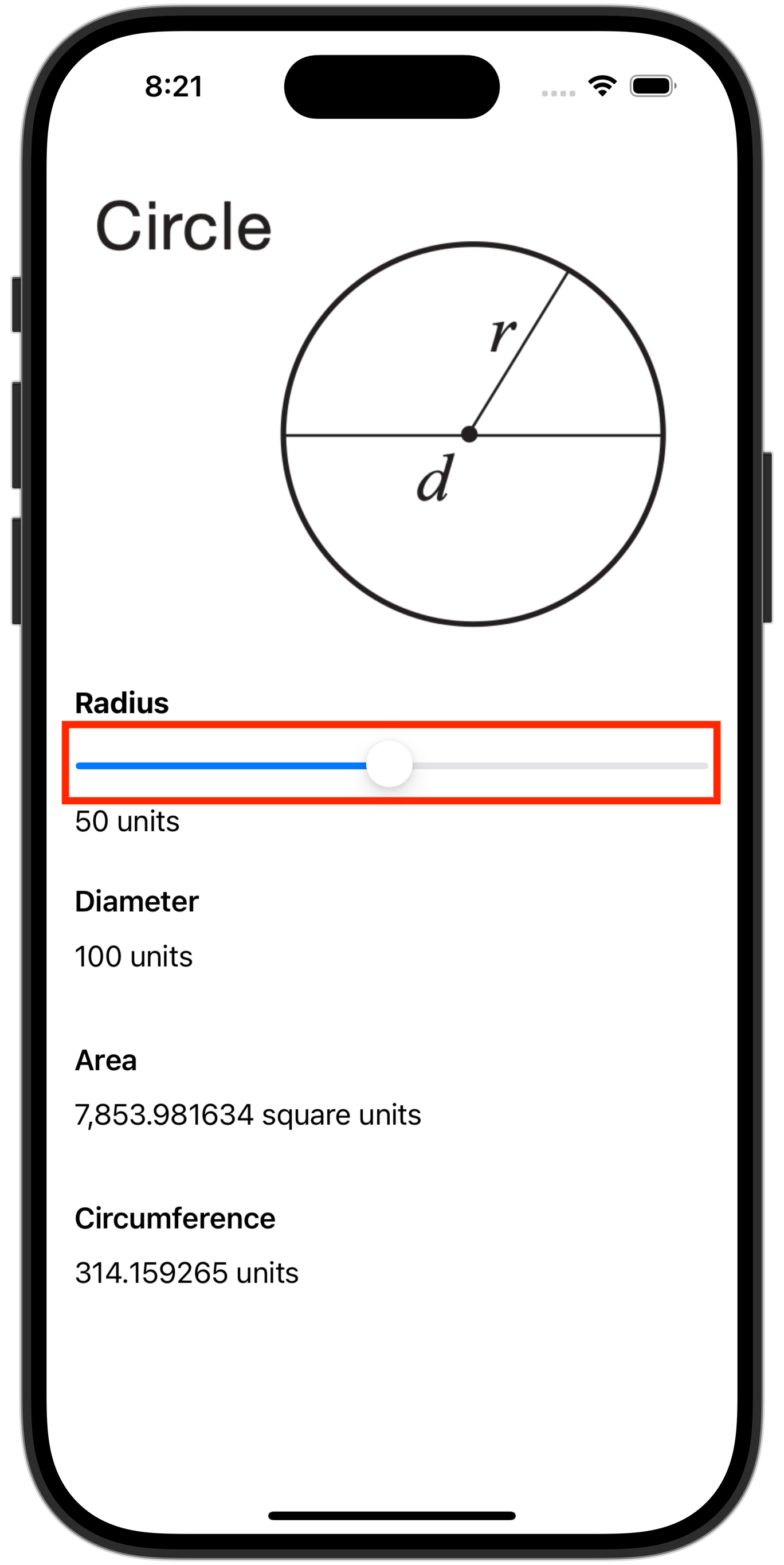
On the Interactive Apps task, you made an app that accepts input as a Double using the Slider structure:
Where whole number input is desired, it is also possible to build apps that accept input using a Stepper structure:
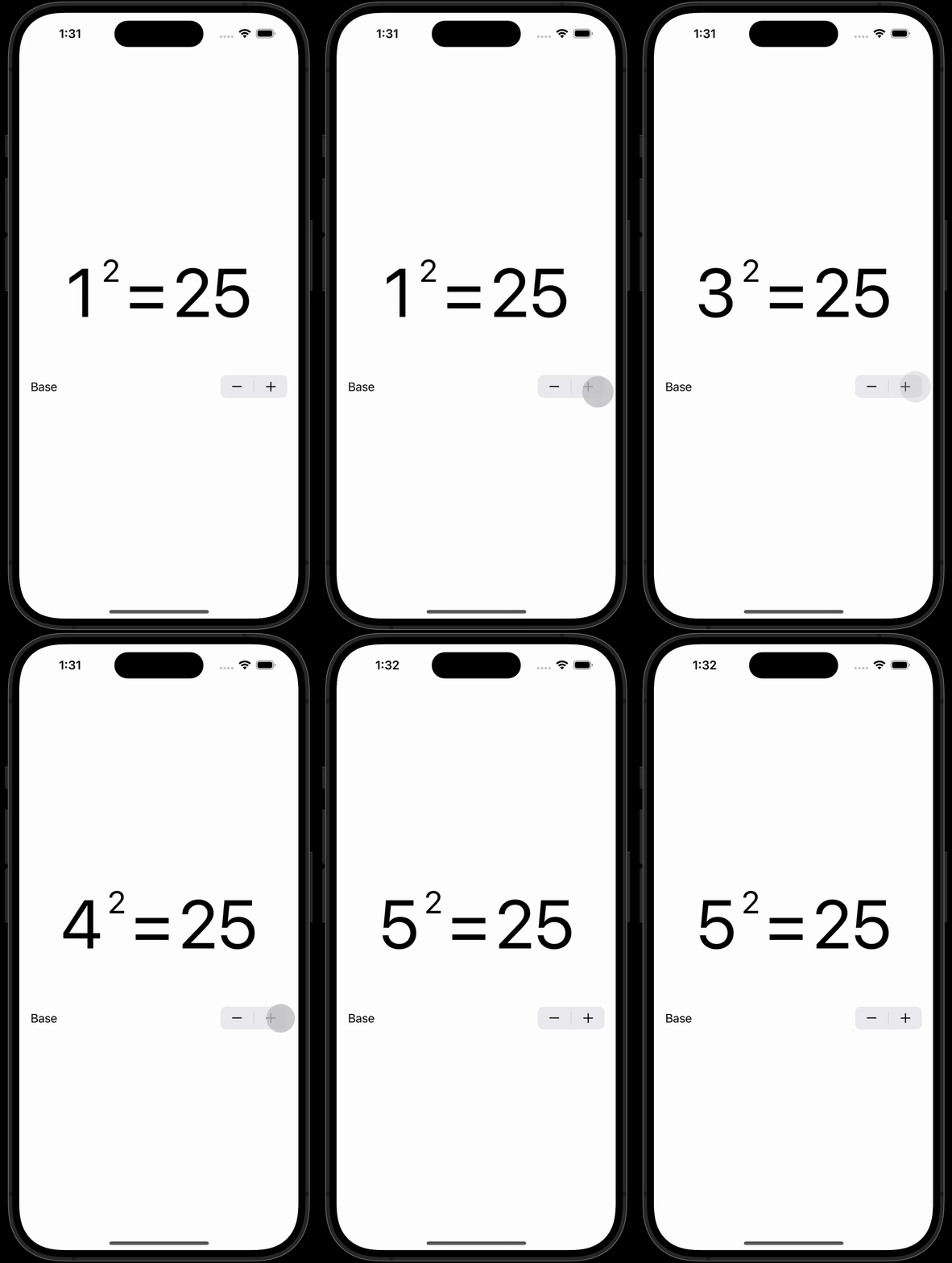
Steppers and sliders prevent the user from providing invalid input.
This is very helpful, however, in the case of:
- a Slider – it can be hard to select a precise value.
- a Stepper – it can be slow to input a large number.
Sometimes, it would be preferable to accept “free form” or typed input from the user.
What happens, though, when invalid input is received from a user?
For example, our app might expect numeric input – but the user could type fifty rather than 50.
This is when the notion of an optional data type becomes useful.
Getting started
Please download a ZIP file of this project:
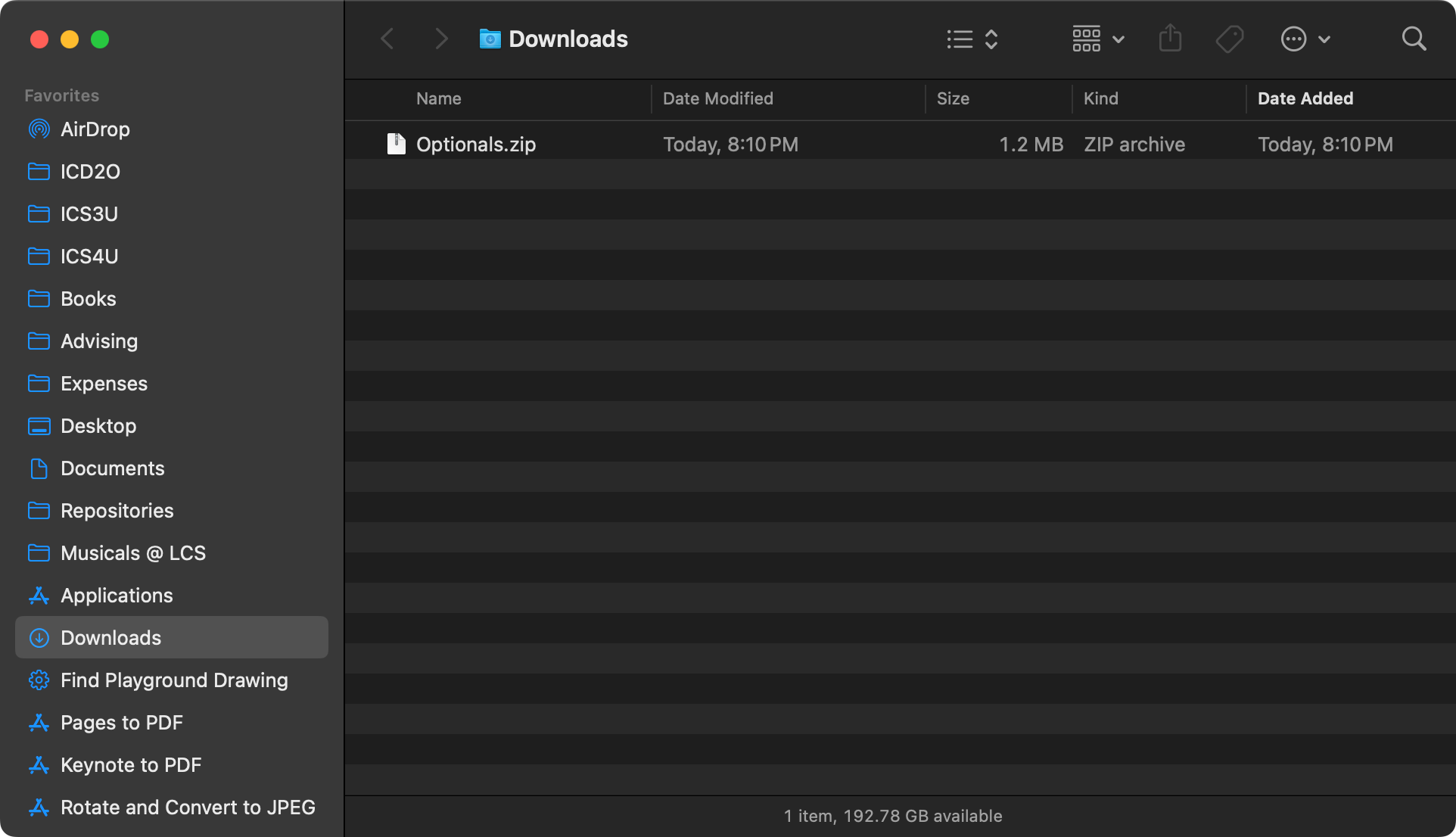
Double-click to expand the ZIP file in your Downloads folder:
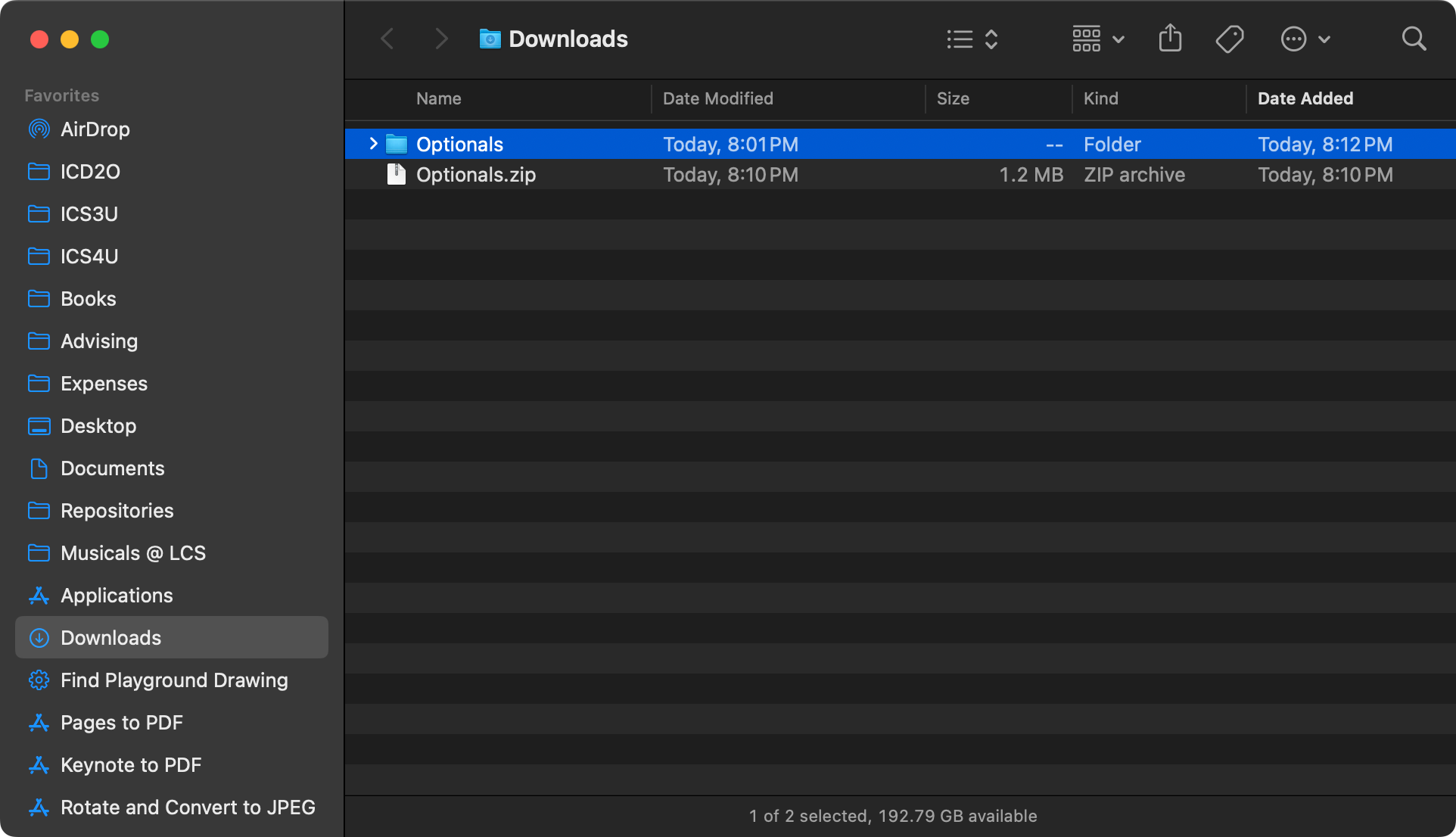
Move the new folder to your Computer Studies folder:
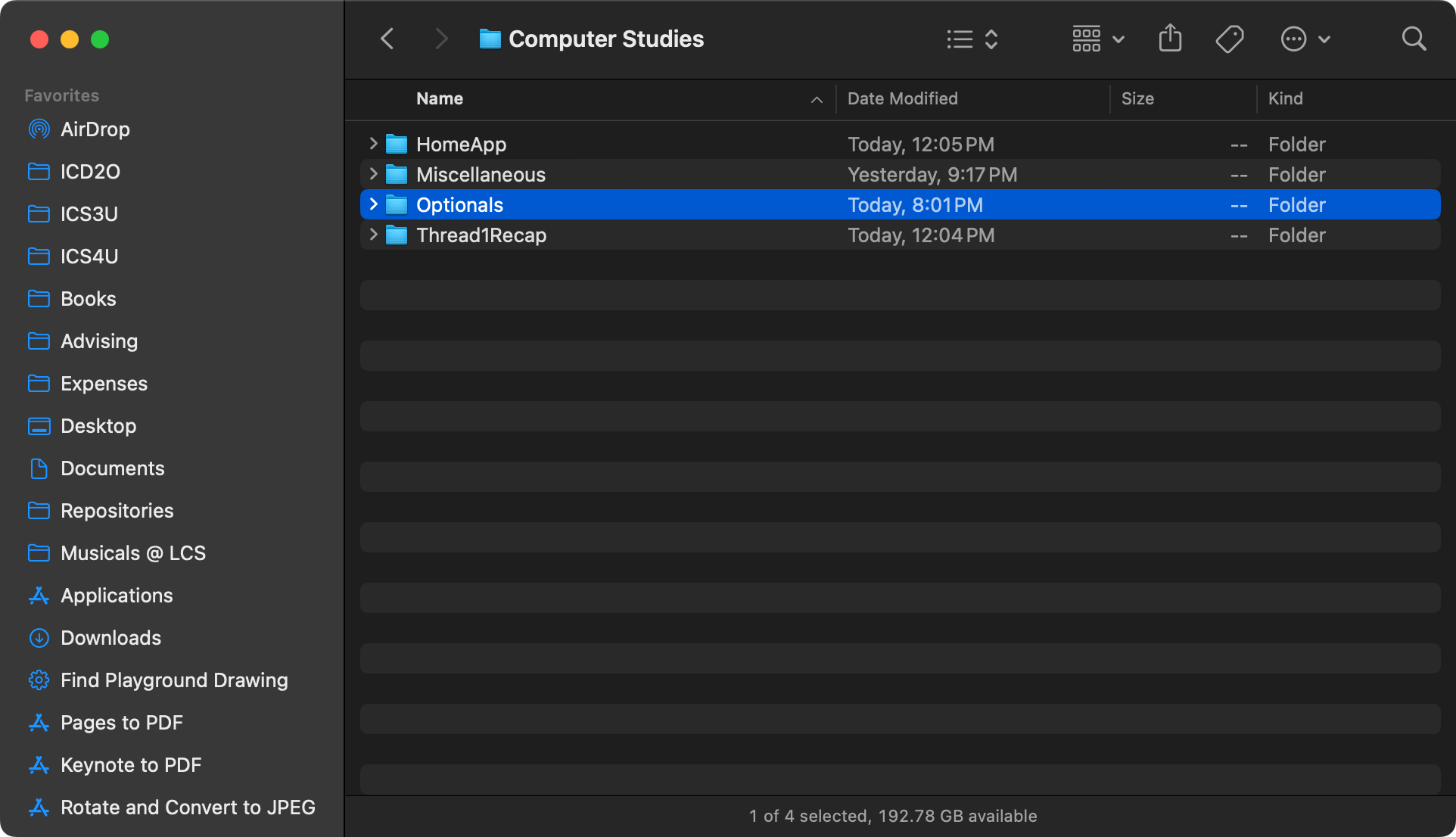
Double-click to open the folder:
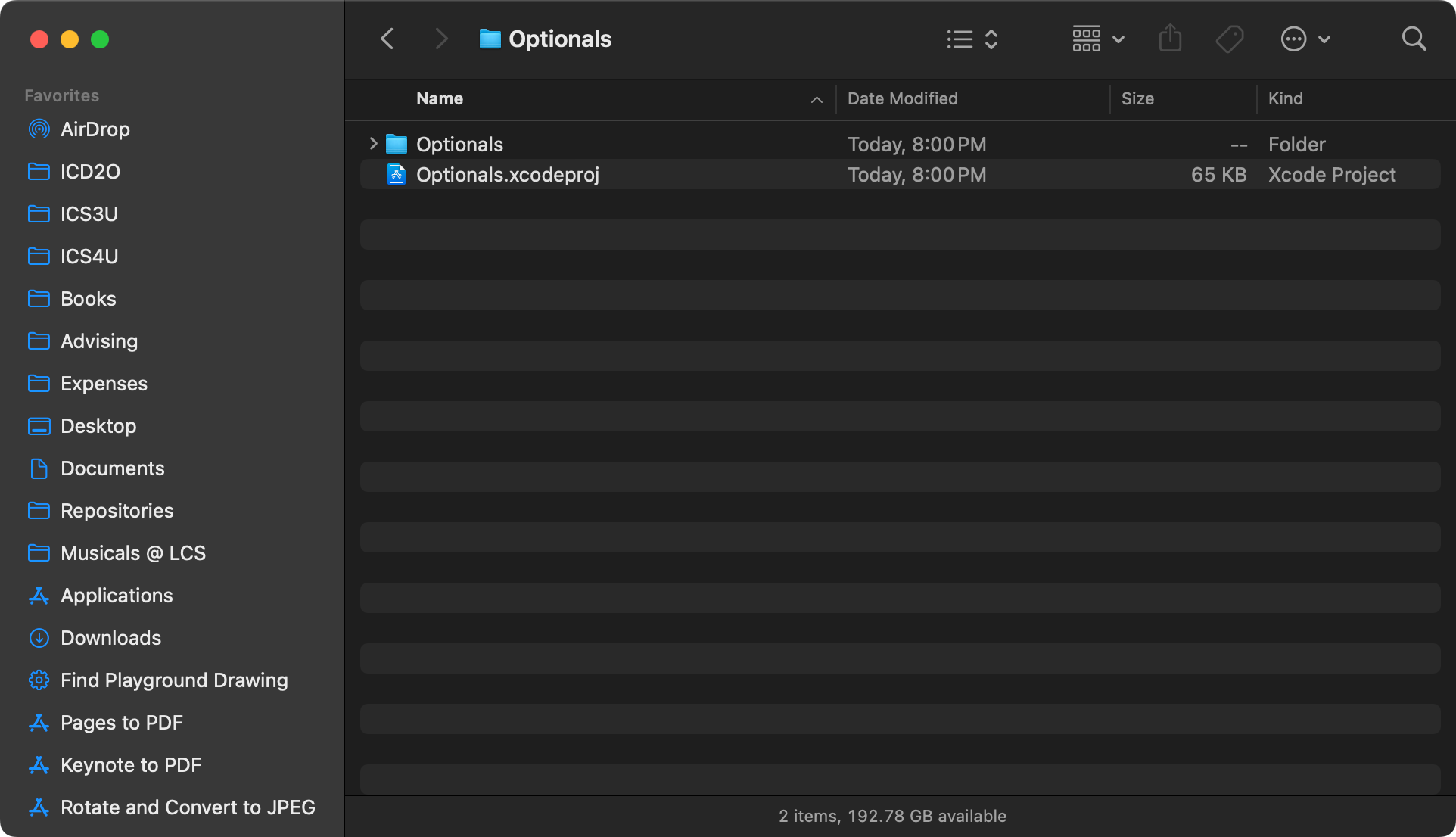
Double-click the blue .xcodeproj file:
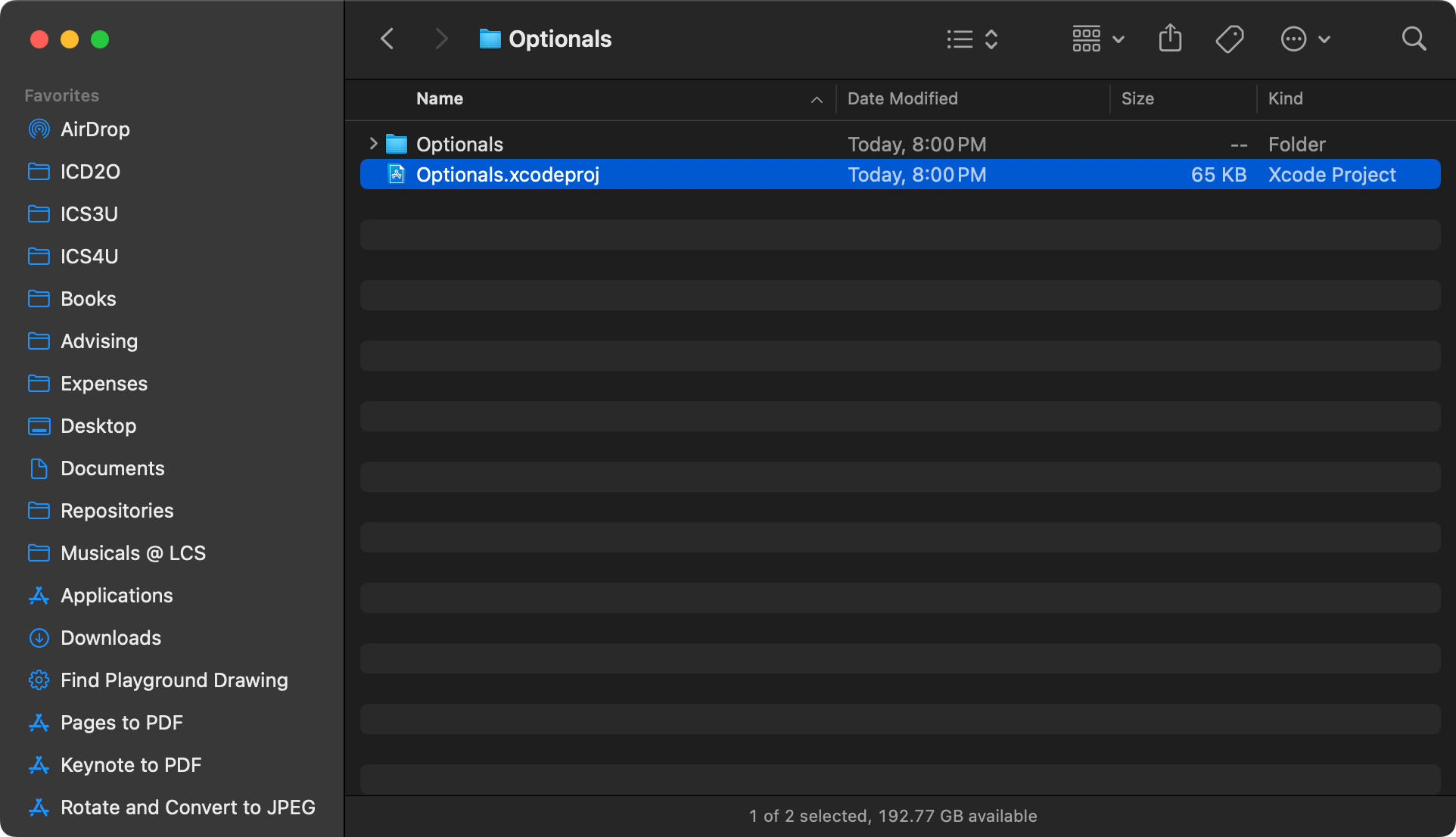
You will see the following dialog – choose Trust and Open:
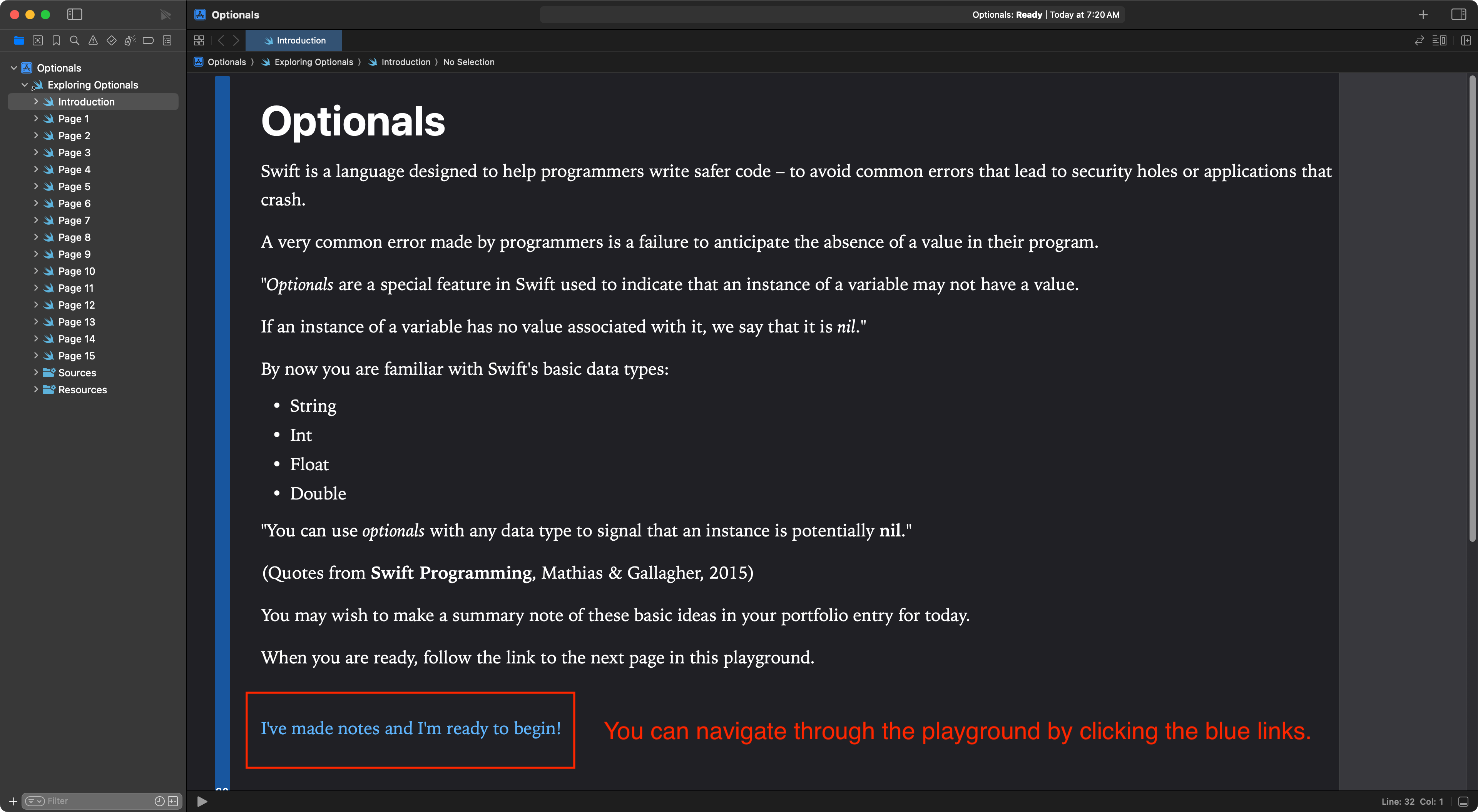
You will see the opening page of the playground. Read the introduction carefully. When you ready, tap the blue link at the bottom of the page to advance:
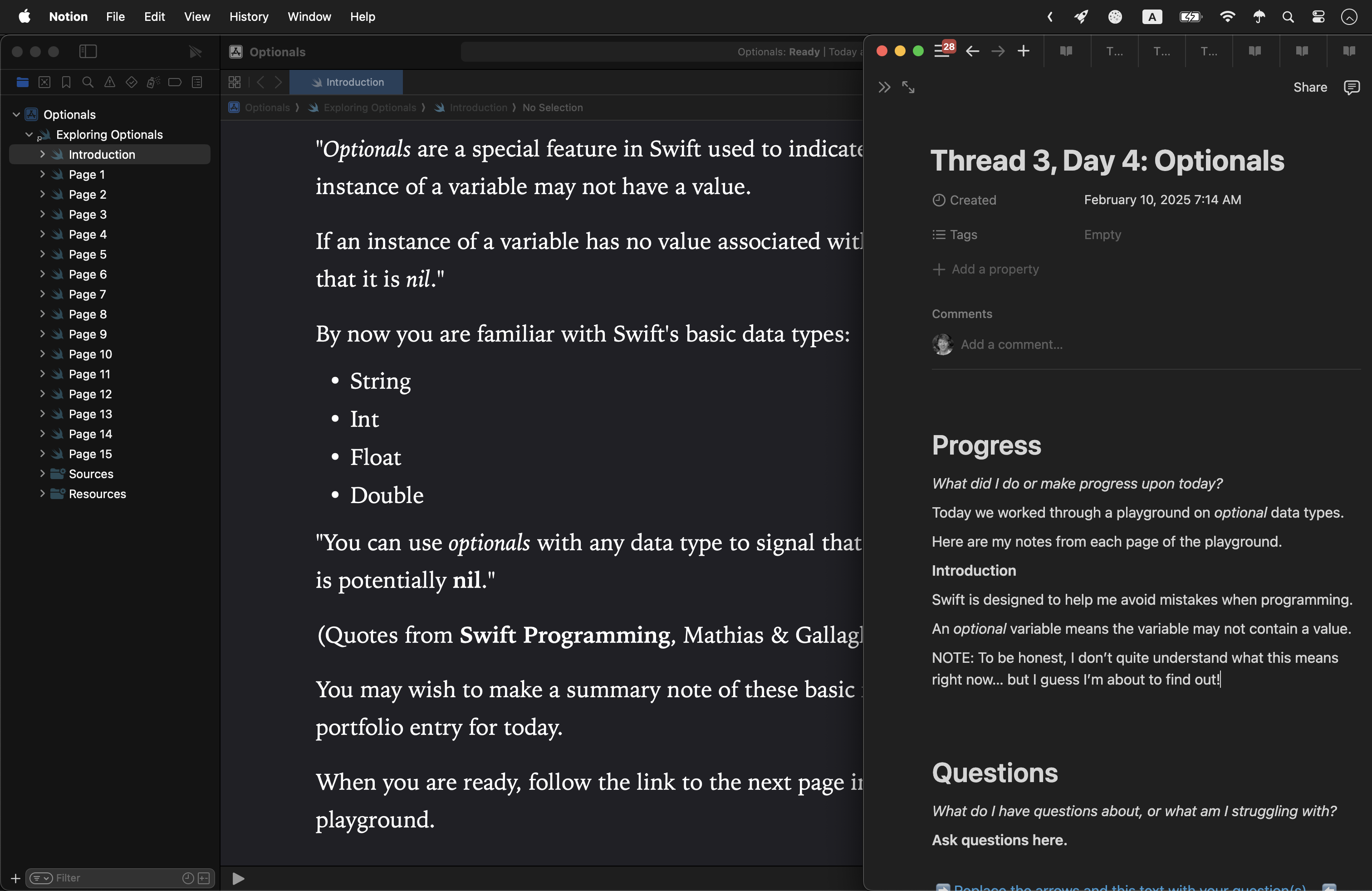
Try each page of the playground by following instructions given, taking notes to respond to the prompts directly in your portfolio entry for Notion for today. It’s probably going to be easiest to arrange the application windows side by side. For example:
TIP
Take your time – read for understanding.
When you are finished each page of the playground summarize in writing what you have learned.
IMPORTANT
In your portfolio post, include screenshots for every page of your progress through the playground.
Solutions
Page 1
When you try to print a regular String that is not initialized (given its first value) you get a hard error message.
When you print an optional String that has not been initialize, you get a nil value.
Page 2
To declare a variable as an optional, we append a ? to the data type.
Optional variables could possibly contain a nil value.
Regular variables are guaranteed to never contain a nil value.
Page 3
Two variables that are compared that are nil are equal.
Zero does not equal nil.
Page 4
Prediction: An empty string is not the same as nil.
My prediction was correct. An empty string is not a nil.
Page 5
Prediction: I think the code will print “No day was provided.”
My prediction was correct.
After giving the dayOfWeek variable an initial value, I thought the output would print as:
The day is Monday
Instead, it printed as:
The day is Optional("Monday")
Hmm. 🧐
Page 6
To make an optional variable become non-optional, we must unwrap the variable.
We can think of this like a “present” – we unwrap to make sure it contains something!
Once we know there is something “in the box” we can use that thing.
On this page, since we unwrapped the variable first, we see that the output is as we expect. It just says:
The day is Monday
Page 7
Optional binding is a faster and easier way to unwrap an optional variable.
Optional binding creates a temporary constant that we can be certain is not optional. This means the constant MUST have a value, it will never contain nil.
Page 8
We can force unwrap optional values using the ! character.
If we force unwrap a variable that contains a nil, our application will crash.
Therefore, we should only force-unwrap a variable after we have checked that it is not nil.
A faster way to do all of this is just to use optional binding.
Page 10
Prediction: the variables cannot be multiplied, beacuse while both are regular integers, the second variable has not been assigned an initial value.
My prediction was correct.
Page 11
Prediction: the variables cannot be multiplied. Although they are both optional integers, they have not been assigned initial values.
My prediction was sort of correct. The Swift compiler prevents us from doing any arithmetic at all with optional variables.
Page 12
Prediction: the playground will crash because we are force-unwrapping values that both contain a nil.
My prediction was correct.
Page 13
Prediction: It will print out the message say “Cannot compute…”
My prediction was correct.
Page 14
Prediction: It will print out the message say “Cannot compute…”
My prediction was correct, because the second variable is still nil.
Page 15
Prediction: It will print 12.
My prediction was correct. Both variables were optionals, but contained values. That means they could be unwrapped successfully. Then, the arithmetic could happen using the constants that were regular integers.
My prediction was mostly correct. The multiplication occurred, but was not printed (so it just showed up in the Results sidebar of the playground, rather than in the debug area).
Summary
If you force-unwrap an optional variable that contains a nil value, the application will crash.
Optional binding is a faster way to unwrap an optional. Rather than checking first to see if the variable is nil, then force-unwrapping it, we can use optional binding to do this all in one step.
Optional variables and safely unwrapping variables exists as a concept to avoid having programmers accidentally create the conditions for crashing bugs – for example, when trying to do arithmetic with variables that contain nil, or trying to print a variable that contains a nil.